
IPTV Smarters Pro is a media-player app that helps you organize and play compatible live TV, video-on-demand, series, and other media from a playlist or account you already have. The key point is simple: the app is a player, not a TV subscription. You still need a legitimate content source or service credentials before anything will load.
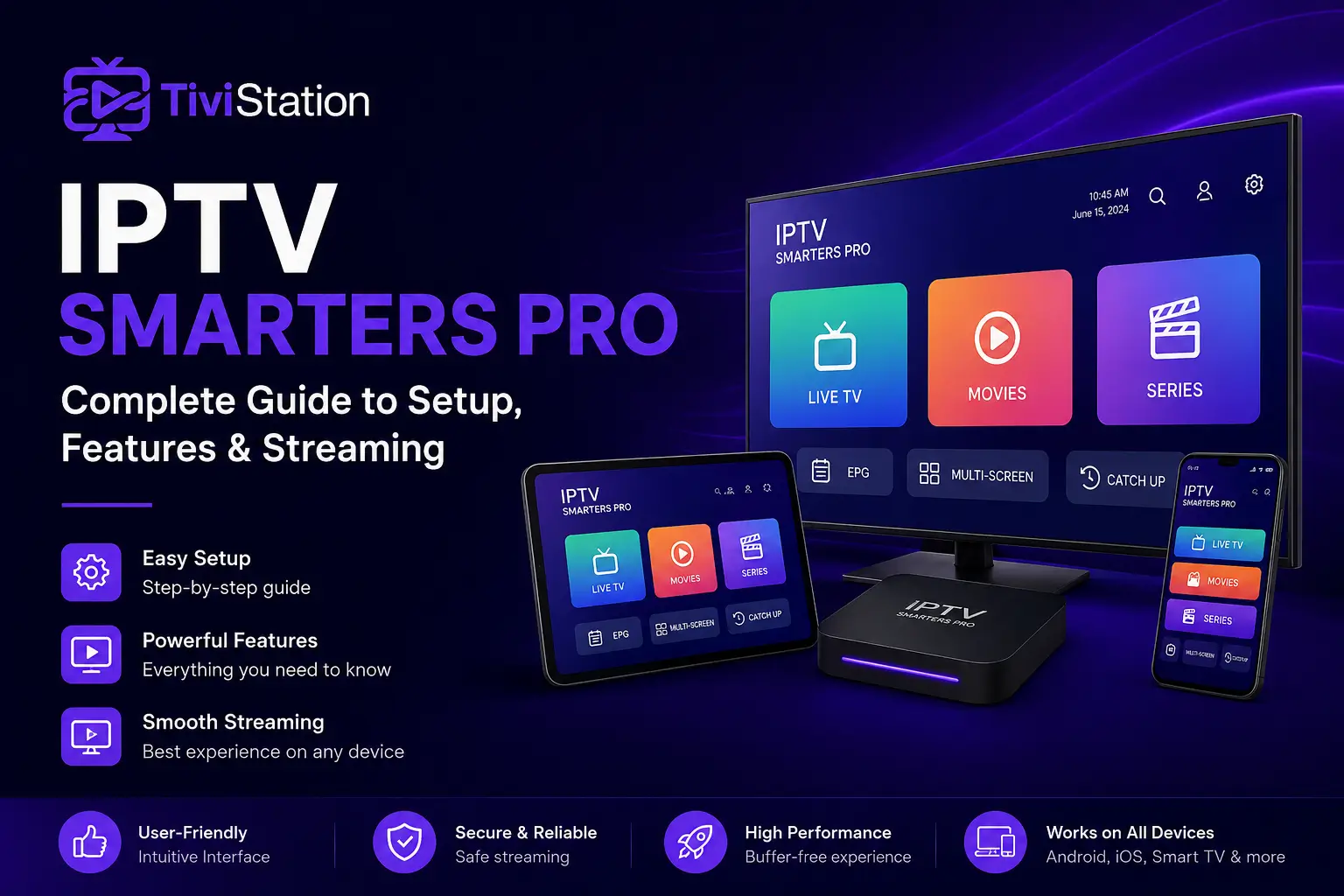
If you are setting up IPTV Smarters Pro for the first time, this guide covers what you need, how M3U and Xtream-style logins work, which features are useful, and what to check when streams buffer or fail. You may also see the app listed simply as Smarters Pro on major app stores, but many users still search for it by the widely used name IPTV Smarters Pro.
What Is IPTV Smarters Pro and How Does It Work?
At its core, IPTV Smarters Pro is a standalone media player. It does not automatically include channels, movies, or a subscription. Instead, it reads the playlist or login information you add and presents that content in an easier-to-browse interface.
Depending on the version and device, the app can work with common formats such as M3U and JSON playlists, as well as provider login methods often described as Xtream Codes or an API login. Your provider determines which method you should use and which details are required.
A typical setup has three parts:
- A compatible device, such as a phone, tablet, streaming device, computer, or supported smart TV.
- The IPTV Smarters Pro or Smarters Pro app.
- Valid credentials or a playlist from a content source you are authorized to use.
The player can then organize the information it receives into sections such as Live TV, Movies, Series, and an electronic program guide when EPG data is available.
This separation matters because many setup problems are not caused by the app itself. A wrong server URL, expired account, malformed playlist, missing EPG data, or provider-side outage can all look like an app problem.
What You Need Before You Start
Before installing the app, gather the details your service or content source provided.
For an Xtream-style login
You will usually need:
- A profile name you choose yourself.
- A username.
- A password.
- A server or portal URL.
Enter the server URL exactly as supplied. Do not add spaces, change the protocol, or guess a port number.
For an M3U playlist
You will normally need:
- A playlist name.
- The M3U playlist URL.
- An EPG URL, if your source provides one and you want a TV guide.
Keep login information private. Playlist URLs can contain account credentials, so avoid posting screenshots of them publicly.
If you are using TiviStation, confirm that your account details match the device and player you plan to use. It is also sensible to check the available channel lineup if particular sports, languages, or regional channels matter to you.
How to Set Up IPTV Smarters Pro Step by Step
The exact menu labels can vary by platform or app version, but the overall process is similar.
1. Install the app from a trusted source
On mobile devices, start with the Apple App Store or Google Play when the official version is available. For other devices, use the developer’s official download page or the device’s own app store.
Avoid random APK sites when an official source is available. This reduces the chance of installing a modified or outdated package.
2. Open the app and add a user or playlist
Launch IPTV Smarters Pro and look for an option such as Add User, Add Playlist, Login with Xtream Codes API, or Load Your M3U Playlist.
3. Choose the correct login method
If your provider sent a username, password, and server URL, use the Xtream-style or API login option.
If your provider sent one long playlist URL, choose the M3U option.
A common cause of failed logins is entering an M3U URL into an API login screen or placing an API server address into the playlist field.
4. Wait for the first sync to complete
After you save the profile, the app may need time to load live categories, on-demand libraries, series information, logos, and EPG data. Large playlists can take longer on older hardware.
5. Test more than one type of content
Check a few live channels, one on-demand title, the EPG, and audio or subtitles if you use them. Testing several content types helps you distinguish a single broken stream from a wider account or configuration problem.
For device-specific steps, use the TiviStation installation guide so you can match the instructions to your Smart TV, Firestick, Android device, iPhone, iPad, or other supported hardware.
Best IPTV Smarters Pro Features to Use
A good IPTV player should make a large content library easier to navigate, not simply play a URL. IPTV Smarters Pro includes several useful features, although availability can vary by platform and version.
Live TV, movies, and series organization
The app can separate content into recognizable sections instead of presenting one long playlist.
Electronic Program Guide (EPG)
When your provider supplies compatible guide data, the EPG can show current and upcoming programs. If the guide is blank while channels still play, the problem may be with the EPG source rather than the stream.
Favorites, search, and filters
Favorites make frequently watched content easier to reach. Search and category filters are useful when a playlist contains many channels or titles.
Multiple playlists or profiles
Some versions allow multiple profiles or playlists, which can help when you have more than one authorized media source.
Parental controls
Parental-control options can restrict access to selected categories. The exact controls vary by device, so review the settings after setup.
Playback controls
Depending on the platform and stream, you may have options for subtitles, audio tracks, aspect ratio, external players, or hardware decoding.
How to Get Smoother Streaming and Less Buffering
A fast speed-test result does not guarantee perfect streaming. Video playback also depends on Wi-Fi quality, latency, device performance, the source server, and the stream itself. In general, buffering can be caused by slow connections or high network latency, but the problem can also be upstream from your home network.
Start by testing the same channel on another device. If it fails everywhere, the issue is more likely related to the stream, account, or provider. If it only fails on one device, focus on that device or app installation.
Compare Wi-Fi with Ethernet when possible. A wired connection can remove interference and weak-signal problems from the equation. If Ethernet is not practical, move closer to the router.
You can also try:
- Closing background apps that use bandwidth or memory.
- Updating IPTV Smarters Pro and the device operating system.
- Clearing the app cache if your platform provides that option.
- Testing a lower-resolution stream if available.
- Trying another decoder or external player when supported.
- Checking whether the problem appears at a specific time of day.
Avoid setting an extremely large buffer just because playback freezes. It may hide brief connection drops, but it can also slow channel changes and increase delay.
Common IPTV Smarters Pro Problems and Fixes
Login failed or authorization error
Re-enter the username, password, and server URL carefully. Passwords are case-sensitive, and copied URLs can include a stray space. If the details are correct, confirm that the account is active.
Playlist loads but channels do not play
Try several channels. If only one or two fail, those streams may be unavailable. If everything fails, test another device and confirm the playlist has not changed.
EPG is empty
Refresh the EPG, confirm that an EPG URL is included when required, and allow time for the guide to download.
App keeps buffering
Test Ethernet or stronger Wi-Fi, restart the device, and compare another stream. If the issue happens across multiple devices on the same account, contact support with the exact channel, time, device, and error message.
App crashes or becomes slow
Update the app and device software, close other apps, clear cache if available, and restart the device. Older devices can struggle with very large playlists.
No sound or wrong language
Open the playback menu and check available audio tracks. If only one stream has the problem, the issue may be with that stream rather than your device.
Is IPTV Smarters Pro Safe and Legal?
The media player itself does not determine whether the content you watch is authorized. IPTV Smarters Pro is designed to play media you add; legality depends on the source of that media and the rights attached to it.
Use playlists and subscriptions only when you have permission to access the content. If a service looks unusually cheap for the premium content it claims to offer, investigate the provider and its rights before buying.
For app safety, install from the official Smarters Pro website or recognized app stores when possible, keep the app updated, and do not share account credentials. Be cautious with modified APK files from unknown sites.
If you are evaluating a streaming service, a short test period is useful for checking device compatibility, EPG quality, channel switching, and playback on your own connection. Where available, you can request a free trial before choosing a longer subscription.
IPTV Smarters Pro FAQ
Does IPTV Smarters Pro come with channels?
No. The app is a player. You need your own authorized playlist, media library, or service credentials.
What is the difference between an M3U login and Xtream Codes login?
An M3U setup normally uses a playlist URL. An Xtream-style login normally uses a server URL, username, and password. Use the format your provider supplies.
Can I use IPTV Smarters Pro on more than one device?
The app is available across multiple device types, but whether your content account can stream on more than one device at the same time depends on your provider and subscription.
Why is IPTV Smarters Pro buffering when my internet is fast?
Bandwidth is only one factor. Wi-Fi interference, network latency, device performance, source-server load, and the stream itself can all affect playback.
Why is my EPG not showing?
The EPG depends on guide data supplied by your content source. Refresh the guide, confirm any required EPG URL, and allow the app time to download the schedule.
Is IPTV Smarters Pro the same as an IPTV subscription?
No. IPTV Smarters Pro is the player interface. A subscription or authorized content source is separate.
Final Thoughts
IPTV Smarters Pro is most useful when you treat it as the front end of your streaming setup rather than the service itself. Get the correct login format, install from a trusted source, let the initial playlist load fully, and test live TV, on-demand content, and EPG data before changing advanced settings.
For smoother playback, troubleshoot methodically: compare another stream, another device, and another network connection. That approach tells you more than repeatedly reinstalling the app.
If you are setting up TiviStation, review the subscription options, confirm the channels and devices that matter to you, and use the installation guide for your hardware. If you need help with account-specific details, contact support. You can also request a free trial when available to test the setup on your own device before making a longer commitment.